
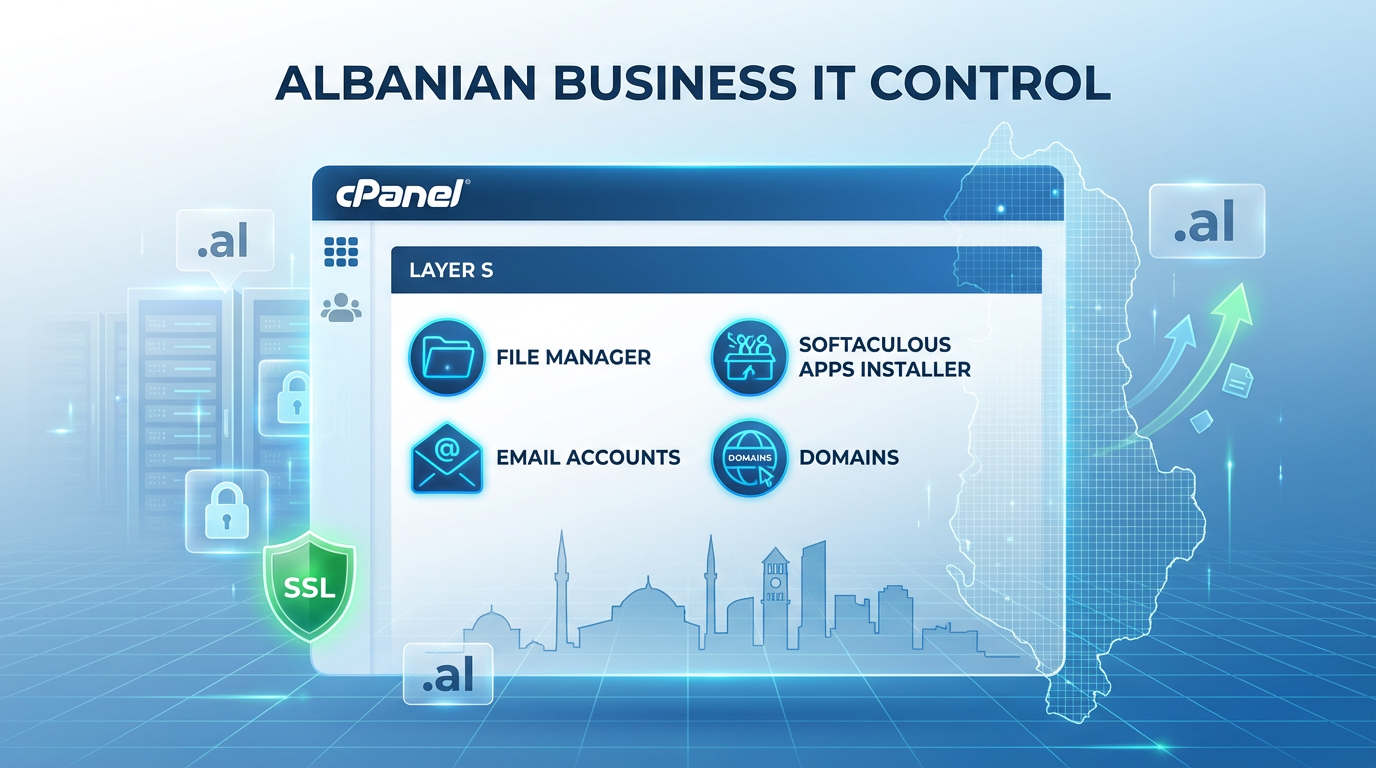
Në vitin 2026, bizneset e vogla dhe të mesme (SMB) në Shqipëri—që nga dyqanet e tregtisë elektronike në Tiranë e deri te kompanitë prodhuese në Ballkan—po lançojnë faqe interneti më shpejt se kurrë për të kapur tregjet rajonale dhe për t'u përmbushur me rregulloret digjitale në rritje. Vetëmenaxhimi i një llogarie web hosting përmes cPanel-it ju jep kontroll të plotë: personalizoni skedarët, instaloni aplikacione, menaxhoni domenet dhe zgjerojeni në mënyrë të përballueshme pa u mbështetur në zhvillues të shtrenjtë. Ky tutorial praktik shpjegon çdo hap për fillestarët për të konfiguruar dhe menaxhuar llogarinë tuaj të cPanel shared hosting—nga regjistrimi te lansimi i faqes dhe mirëmbajtja e përditshme. Ndjekeni për të vënë faqen tuaj të biznesit online shpejt. Ne do të theksojmë pengesat e zakonshme me të cilat përballen përdoruesit shqiptarë dhe do të tregojmë pse hosting-u i përbashkët cPanel i HiTech Solutions—që fillon nga vetëm 6,99 € në muaj—ofron të njëjtën fuqi me mbështetje lokale nga ekspertët, siguri të nivelit të lartë dhe pa stresin e vetë-menaxhimit, i përsosur për IT me kosto efektive në Shqipëri dhe Ballkan.
Së pari, regjistrohuni te një ofrues i besueshëm i hostingut që ofron plane të përbashkëta cPanel. Zgjidhni një me ruajtje SSD, gjerësi bande të pakufizuar (ose kufij të bollshëm), SSL falas dhe instalues me një klik. Përfundoni regjistrimin: jepni të dhënat tuaja, zgjidhni një plan (planet për fillestarë shpesh përfshijnë 10–50 GB hapësirë dhe mbështetje për 1–domainë të pakufizuar), zgjidhni një cikël faturimi (mujor ose vjetor për kursime) dhe paguani. Do të merrni një email mirëseardhjeje me të dhënat e hyrjes: URL-në e cPanel (yourdomain.com/cpanel ose IP-ja e serverit:2083), emrin e përdoruesit, fjalëkalimin dhe serverët e emrave.
Drejto domenin tënd te hostingu. Nëse po blen një të ri, kontrollo disponueshmërinë në panelin e ofruesit ose te një regjistrues si AKEP për domenet .al—shto mbrojtje të privatësisë për të bllokuar spam. Përditëso serverët e emrave në llogarinë tënde te regjistruesi në serverët e hostit (p.sh., ns1.hitech.al, ns2.hitech.al—gjetur në emailin e mirëseardhjes). Përhapja zgjat 1–48 orë; përdorni mjete si whatsmyDNS.net për ta kontrolluar.
Hyni në cPanel duke përdorur lidhjen dhe kredencialet. Paneli kryesor ngarkohet me ikona të kërkueshme—njohuni me to: shiriti i sipërm i kërkimit gjen çdo gjë shpejt. Seksionet kryesore përfshijnë Domenet, Skedarët, Bazat e të dhënave, Email-in, Sigurinë, Softuerin dhe Metrikat.
Shto ose menaxho domenin tënd. Shko te Domenet > Domenet shtesë (për faqe shtesë) ose Domenet e parkuara. Fut emrin e ri të domenit, vendos rrënjën e dokumentit (zakonisht public_html/newdomain) dhe krijo. Për domenin kryesor, vendoset automatikisht në public_html. Instaloni SSL falas më pas—nën Siguri > SSL/TLS ose Let's Encrypt: zgjidhni domenin, klikoni Issue/Install—HTTPS siguron faqen tuaj, përmirëson SEO-në dhe ndërton besim për klientët e financave ose kujdesit shëndetësor në Shqipëri.
Ngarkoni skedarët e faqes së internetit. Përdorni Menaxherin e Skedarëve (seksioni Skedarë): lundroni në public_html, klikoni Ngarko, zgjidhni skedarët (së pari ZIP për faqet e mëdha) ose tërhiqni dhe lëshoni. Për transferimet FTP, krijoni llogari në Llogaritë FTP—përdorni klientë si FileZilla me hostin (yourdomain.com), emrin e përdoruesit, fjalëkalimin dhe portën 21. Ekstraktoni skedarët ZIP në Menaxherin e Skedarëve për një konfigurim të shpejtë.
Instaloni një CMS si WordPress për faqe dinamike. Shkoni te Software > Softaculous Apps Installer ose WordPress Manager. Kërkoni WordPress, klikoni Install: zgjidhni domenin, direktorinë (lini bosh për root), emrin/përshkrimin e faqes, emrin e përdoruesit/fjalëkalimin e administratorit (i fortë!), emailin. Klikoni Install—gati brenda pak minutash. Hyni në yourdomain.com/wp-admin për të shtuar tema/shtojca. Për aplikacione të tjera (Joomla, PrestaShop për tregti elektronike), i njëjti proces.
Konfiguroni email profesional. Në seksionin Email > Llogaritë e emailit: Krijoni të re (p.sh., [email protected]), vendosni kuotën (5–10 GB), fjalëkalim të fortë. Lidhuni me klientët (Outlook, Thunderbird): përdorni cilësimet IMAP—postë hyrëse mail.yourdomain.com port 993 SSL/TLS, portë dalëse 465/587. Verifikoni regjistrimet DNS në Email Deliverability (MX, SPF, DKIM)—rregulloni sugjerimet automatike për të shmangur dosjet e postës së padëshiruar.
Siguroni dhe optimizoni. Aktivizoni firewall-et/mod_security në seksionin Siguri. Bëni skanime me Imunify360 ose të ngjashëm (nëse është i disponueshëm). Vendosni kopje rezervë: JetBackup ose Backup Wizard—planifikoni çdo ditë, shkarkoni kopjet. Monitoroni burimet në Metrika > CPU dhe Përdorimi i Përbashkët ose Gjerësia e Bandës—përditësoni nëse po afroni kufijtë.
Zgjidhni problemet e zakonshme të fillestarëve: Ekran i bardhë pas instalimit? Rrisni memorien e PHP-së në MultiPHP INI Editor. Ngarkesa të ngadalta? Aktivizoni shtojcat e caching-ut, optimizoni imazhet. Ndërprerje në shërbim? Kontrolloni statusin e serverit ose kontaktoni mbështetjen. Gabime DNS? Pritni për përhapjen ose pastroni cache-in.
Vetëmenaxhimi jep kontroll, por konsumon kohë: zgjidhja e problemeve, përditësimet e sigurisë, zgjerimi për përballimin e rritjeve të trafikut në tregtinë elektronike ose në prodhim. Bizneset shqiptare rrezikojnë kosto për ndërprerje të shërbimit ose gjoba për mos-përmbushje të rregulloreve pa ndihmë të besueshme.
HiTech Solutions e thjeshton këtë me cPanel shared hosting nga €6.99/muaj. Gjerësi bande/emailesh/domajnesh të pakufizuara (në nivelet më të larta), SSL/migim falas, kopje rezervë ditore, serverë LiteSpeed për shpejtësi dhe mbështetje 24/7 në shqip nga Tirana—pa pengesa gjuhësore apo kohë pritjeje. Partneritetet me ofrues (Cloudflare për CDN/siguri, integrime me Microsoft) shtojnë zbulimin e kërcënimeve me AI dhe shkallëzim automatik. I përshtatur për Ballkanin: tregti elektronike shumëgjuhëshe, të dhëna financiare të sigurta, faqe të qëndrueshme prodhimi.
Me kosto efektive, inovative, të shkallëzueshme—HiTech e kthen IT-në komplekse në rritje të thjeshtë. Pa tarifa të fshehura, përmirësime të lehta, koha e pandërprerë e funksionimit 99.9%.
Gati për t'u nisur pa telashe? Rezervoni sot konsultën tuaj falas në hitech.al. Ekipi ynë vlerëson nevojat, migron nëse është e nevojshme, dhe ofron një propozim të personalizuar—bëni që biznesi juaj shqiptar të jetë i hostuar në mënyrë të besueshme, të sigurt dhe me kosto të përballueshme në vitin 2026.

 Albanian
  English
  Italian
  German
  French
  Spanish